


Description
Download My Chrome Theme – Easy Chrome Theme Creator, Free & Secure
Overview
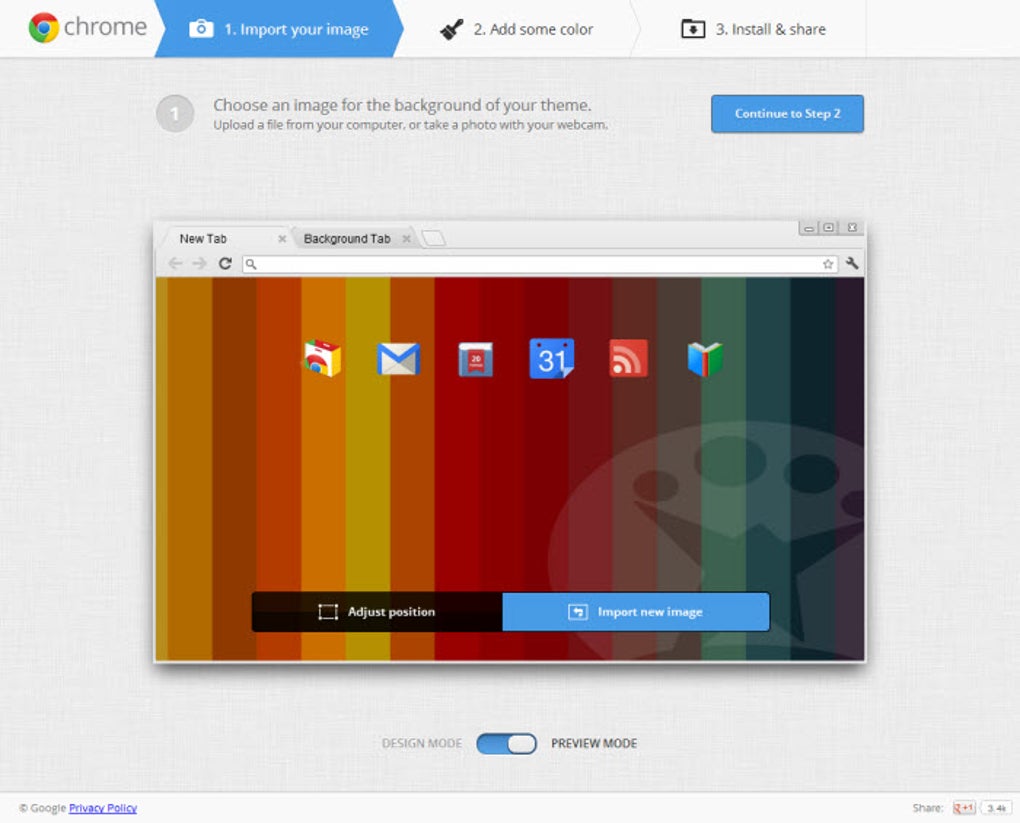
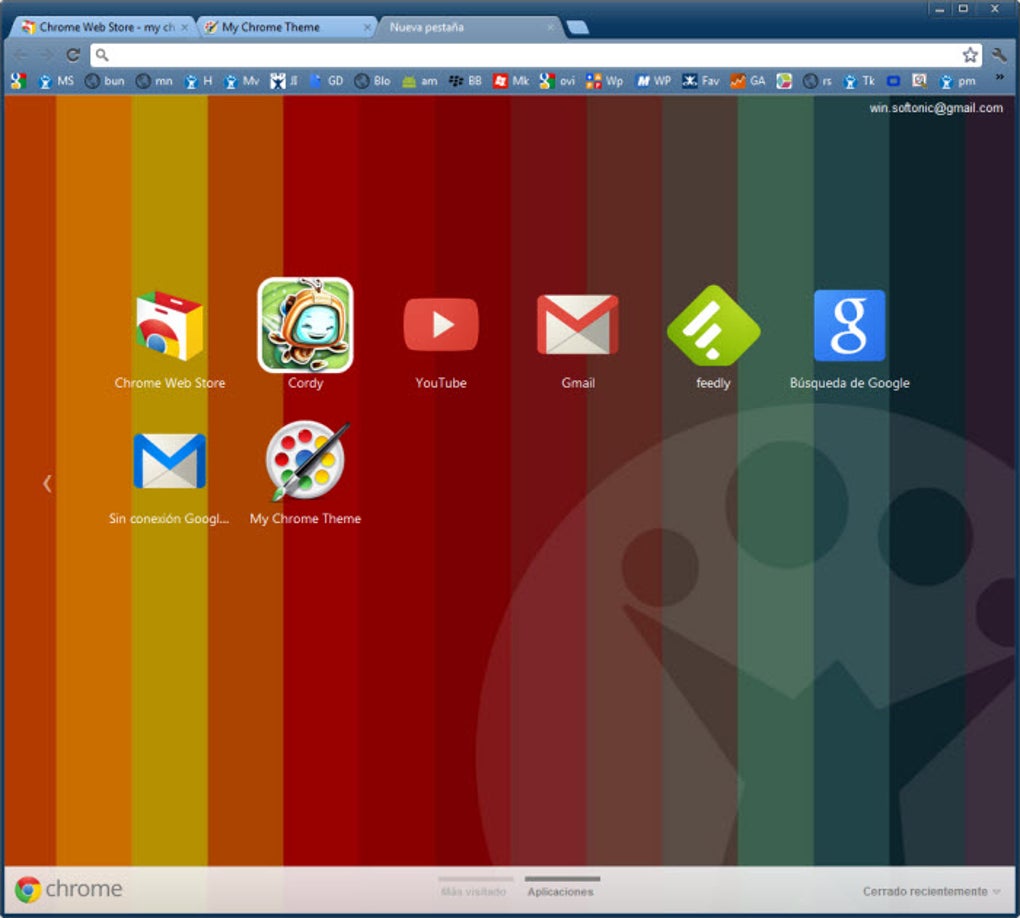
My Chrome Theme is a lightweight, free Chrome extension that puts the power of theme design directly into your browser. In just a few clicks, you can upload an image, adjust its placement, select foreground and background colors, and instantly preview the result in a mock‑up Chrome window. The whole process takes less time than brewing a cup of coffee, making it perfect for both casual users who want a quick visual refresh and power users who enjoy sharing custom designs with friends. Unlike traditional methods—downloading pre‑made themes from the Chrome Web Store or using complex CSS‑based tools like Stylish—My Chrome Theme offers a streamlined, drag‑and‑drop interface that requires no coding knowledge. Once you’re satisfied with your creation, a single click installs the theme to Chrome and posts it to Google+ for easy sharing. While the sharing options are currently limited to Google+, the extension’s simplicity, speed, and security make it the go‑to solution for anyone looking to personalize their browsing experience without hassle. Whether you’re a student customizing a study environment, a designer showcasing brand colors, or a home user wanting a fresh look, My Chrome Theme delivers a fast, secure, and enjoyable way to make Chrome truly yours.
Key Features
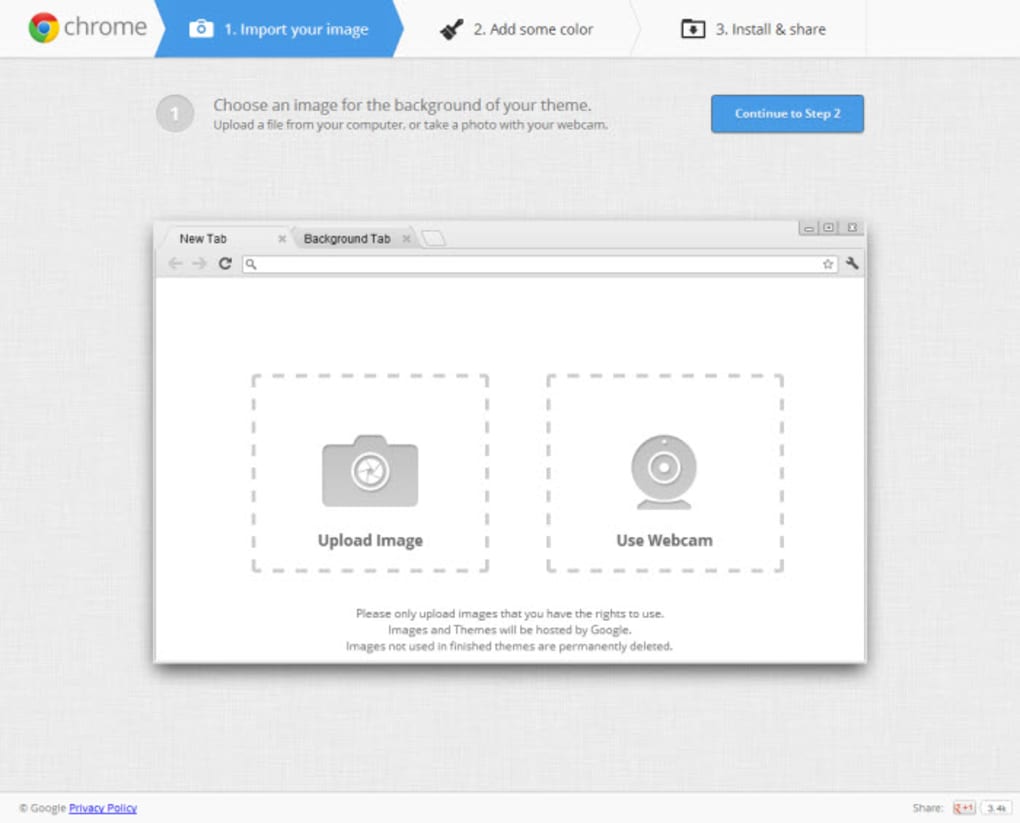
- Instant Image Upload: Drag any JPG, PNG, or GIF directly into the editor and see it placed on the Chrome toolbar background in seconds.
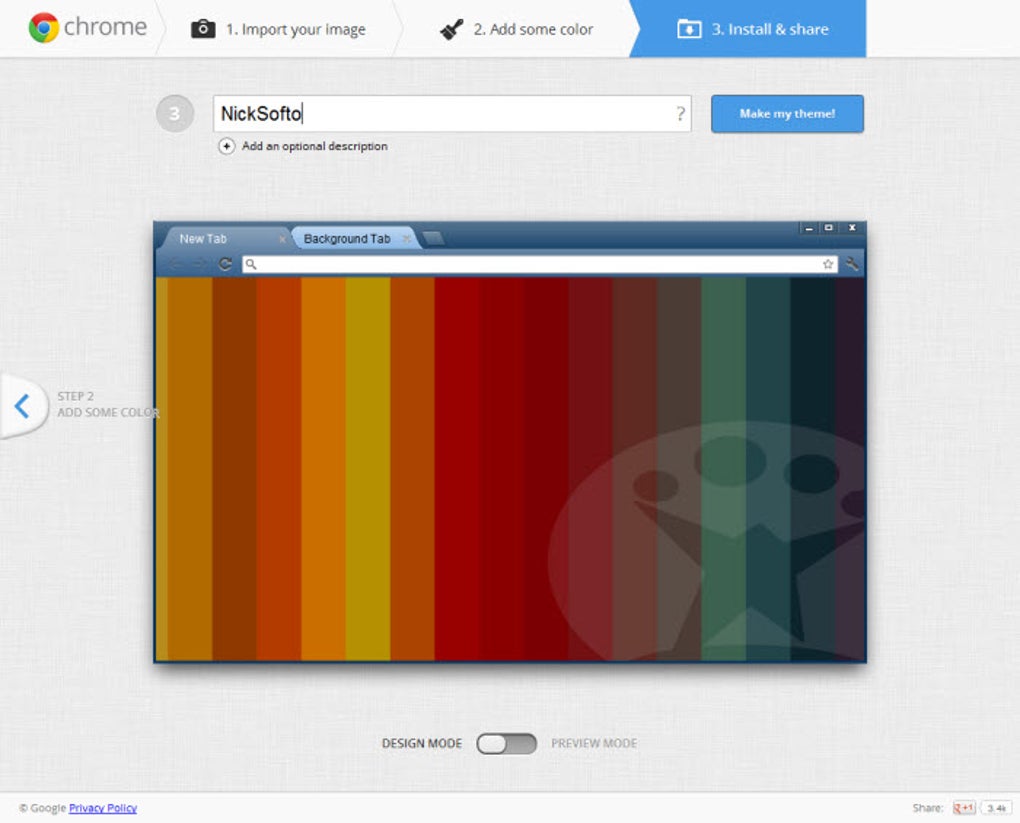
- Live Preview: A miniature Chrome mock‑up updates in real time as you tweak colors, letting you see exactly how the final theme will look.
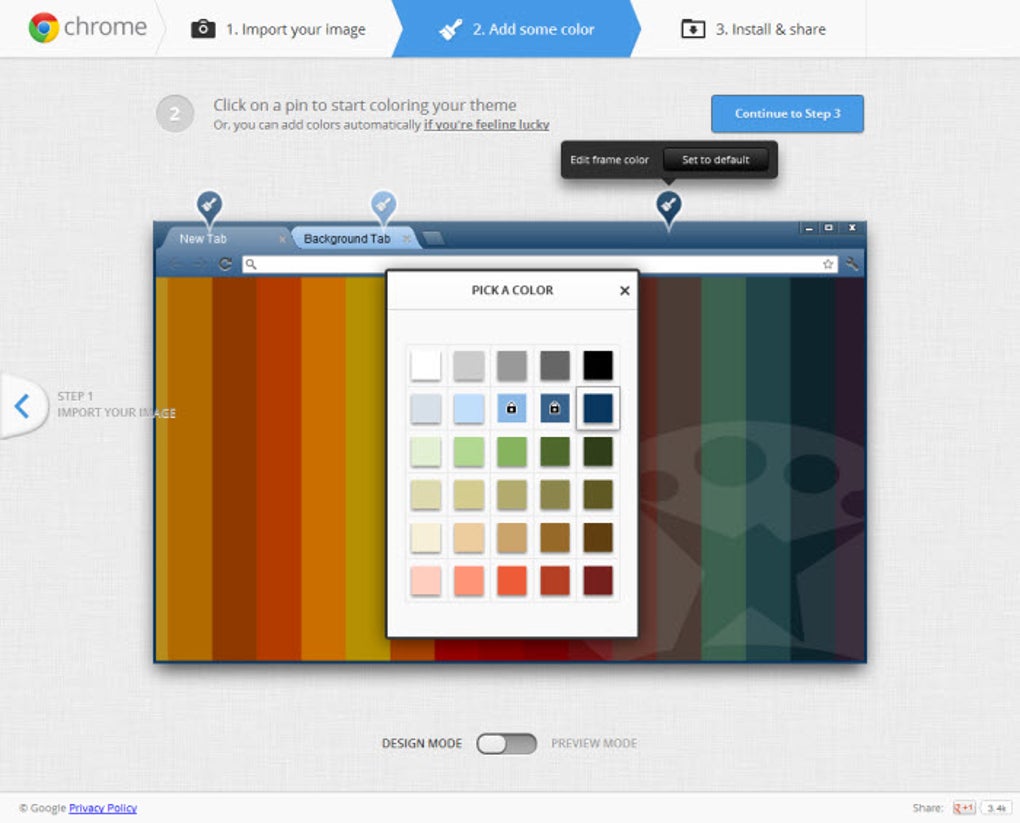
- Color Picker Suite: Separate controls for foreground tabs, background tabs, and overall page background give you full control over the palette.
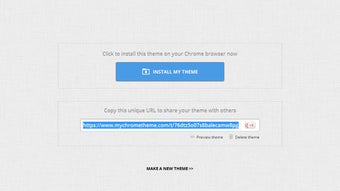
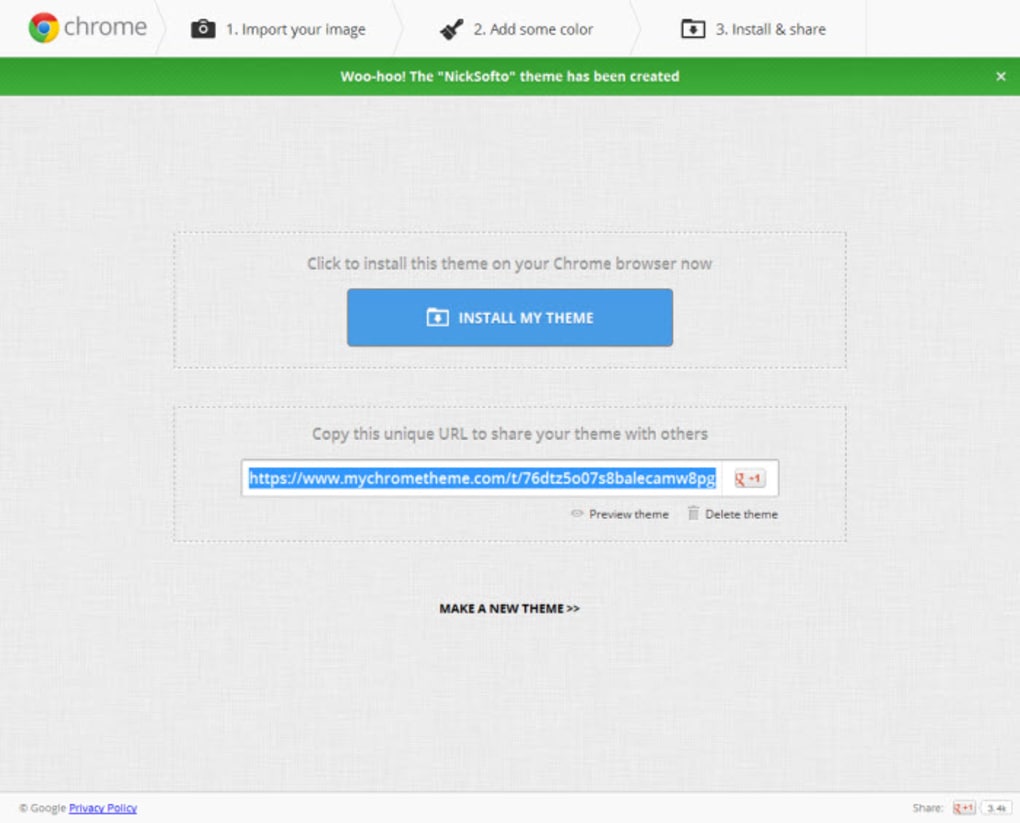
- One‑Click Installation: After fine‑tuning, install the theme to your browser with a single button—no manual file handling required.
- Simple Sharing: Publish your theme directly to Google+ with a ready‑made share link, making it easy for friends to adopt your design.
- Secure & Lightweight: The extension runs entirely within Chrome, never stores personal data on external servers, and adds only a few kilobytes to your browser footprint.
- Cross‑Platform Compatibility: Works on any device that runs Chrome—Windows, macOS, Linux, Chrome OS, and even Chrome on Android tablets.
Installation & Usage Instructions
Step‑by‑Step Installation
1. Open the Chrome Web Store and search for “My Chrome Theme.”
2. Click Add to Chrome and confirm the permission prompt. The extension will appear as a small palette icon next to the address bar.
3. Ensure you are logged into your Google account—this is required for theme sharing and cloud‑based preview storage.
Creating Your First Theme
Once installed, click the palette icon to launch the editor. The interface is divided into three main panels: Image Upload, Color Controls, and Preview Window. Begin by dragging an image into the upload area; you can reposition it using the on‑screen arrows or by entering pixel offsets manually. Next, select colors for each UI element using the built‑in color picker or by entering HEX codes directly. As you adjust, the preview window refreshes instantly, showing how tabs, the address bar, and the new background will appear. When satisfied, hit the Install Theme button. Chrome will apply the theme immediately, and a confirmation toast will appear. To share, click the Share on Google+ link; a pre‑filled post containing a direct install URL is generated for you.
Tips for Best Results
- Use high‑contrast images for clearer tab visibility.
- Keep background colors light if your image is dark, and vice versa, to maintain readability.
- Test the theme on multiple screens (desktop, laptop, tablet) to ensure the image scales correctly.
Compatibility, Pros & Cons
My Chrome Theme works wherever Google Chrome runs: Windows 10/11, macOS Ventura and later, Linux distributions with Chrome, Chrome OS devices, and Android tablets that support the full Chrome browser. Because it is a browser extension, there are no separate mobile apps for iOS; iOS users must rely on Safari extensions instead.
Pros
- Fast, intuitive UI—no coding required.
- Free and regularly updated for security.
- Live preview eliminates guesswork.
- Lightweight, adding minimal load to Chrome.
- Secure sharing limited to Google+ (privacy‑focused).
Cons
- Sharing options are currently restricted to Google+ only.
- Full‑size preview not available; only a mini mock‑up is shown.
- Advanced effects (gradients, animations) are missing.
- No native iOS support, as iOS browsers don’t accept Chrome extensions.
Overall Rating: 4 out of 5 stars – a solid, user‑friendly tool for quick Chrome personalization.
FAQ
Can I use My Chrome Theme on multiple devices?
Yes. Since the theme is stored in your Google account, any Chrome installation where you sign in will automatically sync the custom theme.
Is the extension safe from malware?
Absolutely. My Chrome Theme is reviewed by Google, uses only local processing, and never uploads your images or color choices to external servers.
What image formats are supported?
JPG, PNG, and GIF files up to 5 MB are accepted. Larger files are automatically compressed for optimal performance.
Can I edit an already installed theme?
Yes. Open the extension, click “My Themes,” select the theme you want to modify, and the editor will load your previous settings for further tweaking.
Is there a paid version with extra effects?
Currently My Chrome Theme is completely free. The developers have hinted at future premium features, but no paid tier is available at this time.
Conclusion & Call to Action
If you’re looking for a quick, secure, and completely free way to give Google Chrome a personal touch, My Chrome Theme is the most straightforward solution on the market. Its intuitive drag‑and‑drop workflow, live preview, and one‑click install make it ideal for users of any skill level. While the sharing options could be broadened and advanced visual effects added, the core experience remains solid and reliable. Give your browser a fresh look in minutes—download My Chrome Theme today, create a theme that reflects your style, and share it with friends with just a single click.
Guides & Tutorials for My Chrome Theme
How to install My Chrome Theme
- Click the Preview / Download button above.
- Once redirected, accept the terms and click Install.
- Wait for the My Chrome Theme download to finish on your device.
How to use My Chrome Theme
This software is primarily used for its core features described above. Open the app after installation to explore its capabilities.
User Reviews for My Chrome Theme 0
No reviews found





